
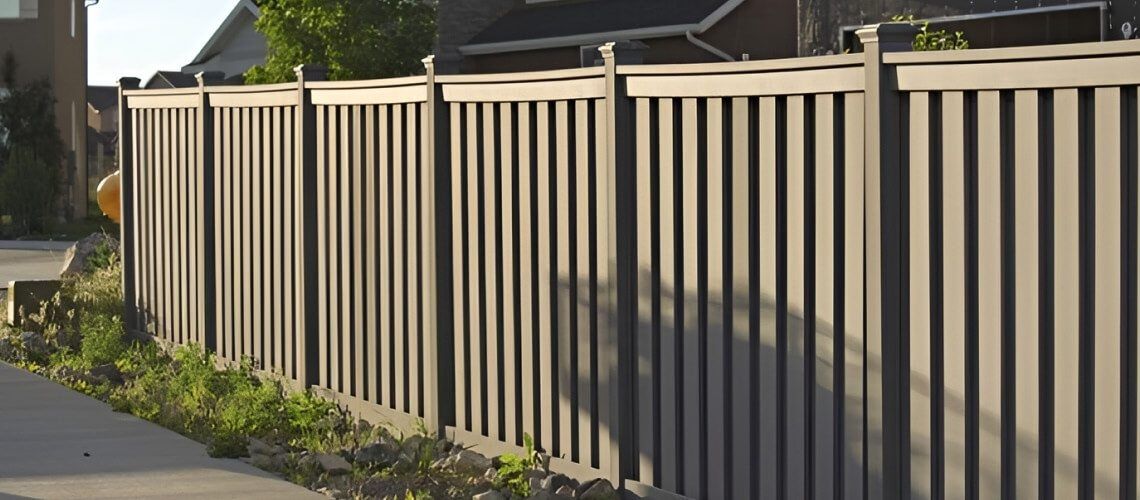
A fence used to be a simple boundary. In Litchfield County, homeowners now expect the perimeter to do more: light up dark entry points, simplify driveway access, and give them clearer awareness of what's happening outside without adding daily friction.
Smart fencing delivers that by treating the fence line as a system. It integrates automated LED lighting, motion sensing, gate automation, and modern access control like keypads, mobile apps, and even license plate recognition.
Overview
Fast Facts
- Smart fencing works best as a system: lighting, automation, and access control designed together.
- Targeted, controlled LED lighting improves visibility without constant glare or wasted power.
- Gate automation must prioritize reliability and safety, especially in winter conditions.
- Access control is how you manage entry, not just lock it, using codes, apps, and visitor verification.
- The right contractor plans for power, conduit, drainage, snow, and support, not just the fence.
What Smart Fencing Actually Includes
Smart fencing is best understood as three layers that share information:
➤ Lighting: Automated LED fixtures and controls that respond to time, motion, and ambient light.
➤ Automation: Gate operators that open and close reliably, with safety protections and manual override.
➤ Access Control: The “who, when, and how” of entry, using keypads, apps, intercoms, or advanced options like license plate recognition.
The goal is to create a perimeter that behaves predictably: it lights the right areas at the right times, restricts entry appropriately, and notifies you when something changes.
Lighting Integration
Use Controls, Not Constant Brightness
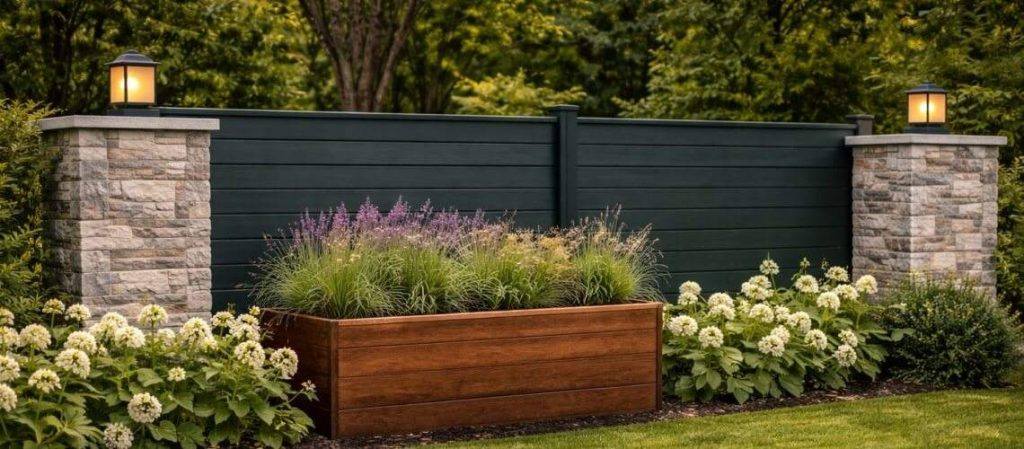
Smart fencing lighting should be controlled, not just brighter. The U.S. Department of Energy highlights lighting controls such as motion sensors, occupancy sensors, photosensors, dimmers, and timers as tools that can reduce energy use and improve how lighting performs.
- For many homes, the best results come from a layered lighting approach:
- Low-level baseline lighting at key entry points (dimmed or time-based)
- Motion-activated task lighting at gates and walkways
- Scene lighting you can trigger remotely when you need more visibility
Additionally, energy cost reductions can be significant when lighting is dimmed or turned off when not needed.
Plan Lighting Zones Around How You Move
Plan lighting around real traffic patterns and the spots where visibility actually matters. The goal is to eliminate dark decision points, reduce surprise movement near entry areas, and make it easy for you, guests, and delivery drivers to navigate without glare.
Driveway Gate Zone
Light the approach so drivers can see the gate position, keypad, and any curves or tight turns. Include enough illumination for safe turning and for cameras to capture clear images without harsh backlighting.
Walk Gate Zone
Prioritize face-level lighting so you can identify visitors and so they can safely use a latch, keypad, or call box. This is also where motion-triggered light makes the most sense for deliveries.
Corners and Blind Spots
Use targeted, downward-facing fixtures at corners, shrubs, and transitions where people could approach unseen. You're not flooding the yard, you're reducing places where movement disappears.
Paths and Steps
Add low-glare lighting to walking routes, step edges, and grade changes. This is as much about safety as security, especially in wet, icy, or leaf-covered seasons.
Garage-To-House Route
Keep this route consistently lit at a comfortable level, then allow it to brighten with motion. It's one of the most common after-dark paths and one of the easiest to improve with smart controls.
Avoid Glare and Light Trespass
Poor lighting can create glare, harsh contrast, and nuisance light for neighbors. Outdoor lighting should be useful, targeted, low-level, controlled, and warm when appropriate to reduce light pollution and unintended impacts.
Gate Automation Integration
Choose the Gate Type That Fits the Site
Automation only stays “smart” if the gate and operator are matched to your layout, grade, and weather exposure. The right choice is less about what looks best and more about what will operate smoothly every day.
Swing gates
These need a clear swing path and stable hinge posts. They can be a poor fit on steep driveways, tight turn-ins, or where you typically stack snow near the entry. Wind also matters: large solid panels can catch gusts and strain the operator.
Slide gates
These need a straight, unobstructed run alongside the opening. They're often a strong choice for sloped driveways because they don't swing into the grade, but they require stable alignment and a plan for drainage, gravel, leaves, and winter debris that can interfere with movement.
Dual gate setups
Separating a vehicle gate from a walk gate is often the most practical upgrade. It reduces wear on the main operator, keeps foot traffic safer, and lets you control access more precisely (for example, deliveries through the walk gate without opening the driveway).
Safety Standards Homeowners Should Recognize
UL 325 is a safety standard addressing the automatic operation of gate operators and related systems, with requirements intended to reduce hazards such as entrapment.
ASTM F2200 covers construction requirements for automated vehicular gates, establishing methods and specifications for gate types used for vehicular traffic.
Build in Practical Redundancy
A smart fence should stay usable when power, connectivity, or weather is less than ideal.
- Manual Release: Know exactly how to disengage the operator and operate the gate manually. Keep the process simple for anyone who may need it.
- Battery Backup: Helps prevent lockouts during outages and keeps critical access working when you need it most.
- Safe Failure Modes: If the internet drops, the gate should still behave predictably using local controls like keypads, remotes, or preset rules.
Access Control Integration
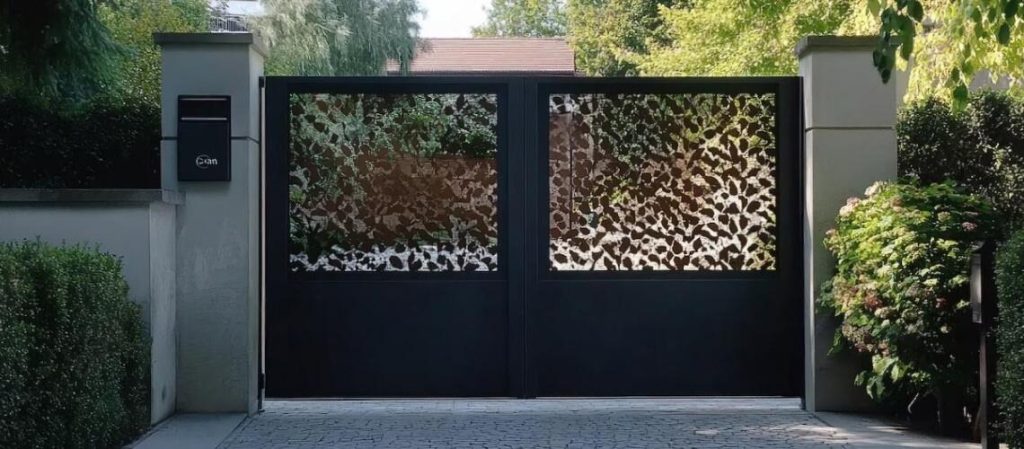
A locked gate is static. Access control is dynamic. Instead of relying on one key or one shared opener, you can decide who can enter, when they can enter, and how you want to verify them.
Common Residential and Light Commercial Options
Keypads
Simple, reliable, and easy to manage. Codes can be updated anytime, which is useful when a code has been shared too widely or a vendor changes.
Mobile Apps
Enable remote open and close, plus notifications. They're convenient for letting someone in when you're not home, but they depend on stable connectivity and good user management.
Remotes and Fobs
Very convenient for daily use, but they can be lost, copied, or shared. They work best when you have a clear process for deactivating lost devices.
Intercoms and Video Call Boxes
Helpful when you want to verify visitors before granting access. This is especially practical for long driveways where the front door is not visible from the gate.
Time-Based or Scheduled Codes
One of the most useful “smart” features. You can give a vendor a code that only works during specific days and hours, instead of a permanent credential.
Where License Plate Recognition Fits
Some driveways benefit from license plate recognition, especially when hands-free entry is a priority. Automated license plate recognition systems typically use fixed cameras at entry points to capture plate numbers and related information. If you're considering it, treat it as an advanced convenience feature.
A solid plan includes clear rules for who is authorized, how long any plate data is retained, who can view it, and how the system is secured.
Cybersecurity: Smart Systems Need Smart Basics
Any smart gate controller, lighting hub, or connected access system touches your home network. That makes cybersecurity part of perimeter planning for your smart fencing system.
Here's a checklist to get started:
- Put smart devices on a separate guest or IoT network if your router supports it
- Use unique passwords and disable default credentials
- Enable automatic updates when available
- Use multi-factor authentication for remote access when supported
- Limit admin access and remove old users when phones or codes change
- Choose products that clearly explain how they handle updates and data
If you use license plate recognition or cloud-based video intercoms, be extra strict about who can access data and how long it is stored.
How To Choose the Right Fencing Contractor for Your Smart Fence
Choosing the right contractor matters more than the technology itself. Use these practical tips to evaluate whether a contractor is prepared to design and install a smart fence that works reliably long term.
- System Experience: Look for experience with automated gates, lighting integration, and access control, not just basic fencing.
- Safety Knowledge: Ask how they address automated gate safety and what standards guide their installations.
- Site Planning: A qualified contractor should plan for power, conduit, drainage, slopes, and snow management before installation begins.
- Integration Approach: Make sure they think in terms of connected systems, not isolated products.
- Service and Support: Ask who handles adjustments, troubleshooting, and maintenance after installation.
Frequently Asked Questions (FAQs)
Do I need a permit to install an automated gate or smart access system in Litchfield County?
Permit requirements vary by town and by scope (new fence line, new electrical, new driveway gate, masonry columns, etc.). Call your local building department early and ask what they require for fence height, setbacks, and electrical work. You can also work with expert contractors like Connecticut Fence & Gate to ensure compliance.
Can smart fencing work without Wi-Fi or a strong cell signal?
Yes. Many systems can run locally using keypads, remotes, hardwired controls, and on-site programming. Remote app control and cloud alerts typically need reliable internet, but the gate should be designed to operate safely even when connectivity drops.
What power setup is best for smart fence features?
Hardwired power is usually the most reliable for gate operators, access control, and lighting. Solar can work in some locations, but performance depends heavily on sun exposure, battery capacity, and winter conditions. The right answer is site-specific.
How much maintenance does a smart gate and fence system require?
Plan for periodic checks: hinge alignment, operator mounting, safety sensors, battery health, and debris control around moving parts. In wooded or snowy areas, clearing leaves, gravel, and ice buildup is often the difference between smooth operation and repeated service calls.
How do I share access safely with guests and service providers?
Avoid sharing one permanent code with everyone. Use unique codes when possible, remove old users promptly, and consider scheduled access windows for vendors. If you use apps, restrict admin permissions to a small number of trusted users.
Ready To Plan a Smart Fence That Actually Works?
Smart fencing is only “smart” when the fence, gate, lighting, and access control are designed to work together and keep working through Connecticut weather.
Connecticut Fence & Gate helps homeowners in Litchfield County choose the right gate style, integrate automated lighting and access control cleanly, and install systems with reliability and safety in mind.
Contact Connecticut Fence & Gate to discuss your layout, goals, and options.